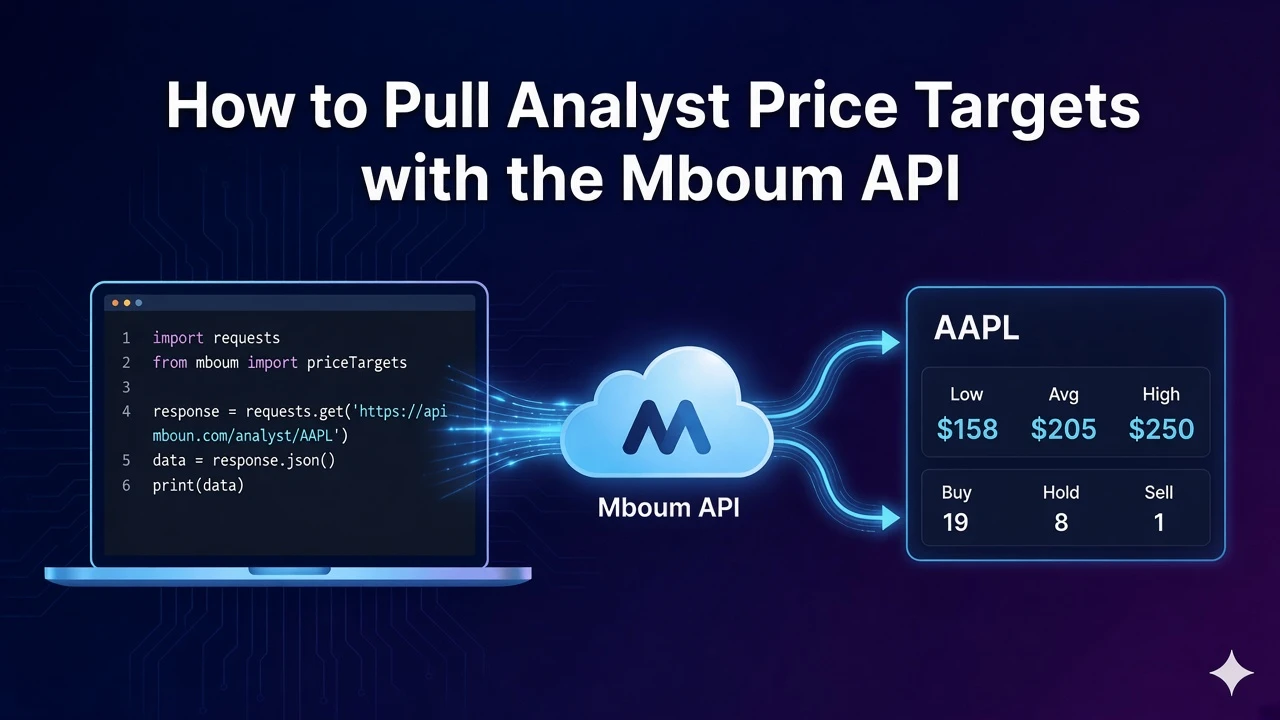
Market movers help you pull today's most-active, advanced, and declined tickers in one call so scanners and dashboards stay current without scraping exchange leaderboards. After you send a required asset-class type, you can read three tables from the same payload and print each row's symbol, last sale price, and change column.
This tutorial covers GET /v1/markets/movers only. It is not the v2 movers endpoint. Pass type as STOCKS, ETF, MUTUALFUNDS, or FUTURES. The example below uses type=STOCKS.
👉 To access this endpoint, you must obtain an API key: https://mboum.com/pages/api
The Movers Endpoint
Session movers live under GET /v1/markets/movers.
Documentation:
https://docs.mboum.com/#stocks-options-GETapi-v1-markets-movers
Request
GET https://api.mboum.com/v1/markets/movers?type=STOCKS
Authorization: Bearer YOUR_API_KEY
Parameters
type— required. One ofSTOCKS,ETF,MUTUALFUNDS, orFUTURES. ExampleSTOCKS
Choosing the Request
For this walkthrough, send type=STOCKS. That keeps the call on equities while you learn how the three mover tables are shaped.
Do not switch to the v2 movers path for this tutorial. Stay on v1 so the sample body keys and row fields below match what you are inspecting.
Sample Response
The shortened sample below shows one row in each of the three tables. Each table also carries dataAsOf and lastTradeTimestamp. Row keys are symbol, name, lastSalePrice, lastSaleChange, change, and deltaIndicator:
{
  "body": {
    "MostActiveByShareVolume": {
      "dataAsOf": "09/28/2026",
      "lastTradeTimestamp": "4:00 PM ET",
      "table": {
        "rows": [
          {
            "symbol": "AAPL",
            "name": "Apple Inc.",
            "lastSalePrice": "$227.50",
            "lastSaleChange": "+1.20",
            "change": "52,184,000",
            "deltaIndicator": "up"
          }
        ]
      }
    },
    "MostAdvanced": {
      "dataAsOf": "09/28/2026",
      "lastTradeTimestamp": "4:00 PM ET",
      "table": {
        "rows": [
          {
            "symbol": "XYZ",
            "name": "Example Corp",
            "lastSalePrice": "$12.40",
            "lastSaleChange": "+1.80",
            "change": "+17.00%",
            "deltaIndicator": "up"
          }
        ]
      }
    },
    "MostDeclined": {
      "dataAsOf": "09/28/2026",
      "lastTradeTimestamp": "4:00 PM ET",
      "table": {
        "rows": [
          {
            "symbol": "ABC",
            "name": "Sample Inc",
            "lastSalePrice": "$8.10",
            "lastSaleChange": "-0.90",
            "change": "-10.00%",
            "deltaIndicator": "down"
          }
        ]
      }
    }
  }
}
Python Example
import requests

url = "https://api.mboum.com/v1/markets/movers"
headers = {"Authorization": "Bearer YOUR_API_KEY"}
params = {"type": "STOCKS"}

response = requests.get(url, headers=headers, params=params)
response.raise_for_status()
payload = response.json()
body = payload.get("body", {}) or {}

for section in ("MostActiveByShareVolume", "MostAdvanced", "MostDeclined"):
    rows = ((body.get(section) or {}).get("table") or {}).get("rows") or []
    for row in rows[:3]:
        if isinstance(row, dict):
            print(section, row.get("symbol"), row.get("lastSalePrice"), row.get("change"))
Understanding the Response
body.MostActiveByShareVolume,body.MostAdvanced, andbody.MostDeclinedeach includedataAsOf,lastTradeTimestamp, andtable.rows- Each row includes
symbol,name,lastSalePrice,lastSaleChange,change, anddeltaIndicator lastSalePriceis a display string that includes a dollar sign
Read the section name before you interpret change. On the share-volume table it is volume; on the advanced and declined tables it is percent change. Strip the dollar sign from lastSalePrice before any numeric comparison.
Walkthrough
- Call movers with
type=STOCKSon the v1 path — not the v2 movers endpoint. - Confirm the payload includes
MostActiveByShareVolume,MostAdvanced, andMostDeclined, then note each table'sdataAsOf. - Print a few rows'
symbol,lastSalePrice, andchange, treatingchangedifferently by section.
Watch for This
On MostActiveByShareVolume, the change column is share volume. On MostAdvanced and MostDeclined, the change column is percent change. lastSalePrice includes a dollar sign, so parse it before math.
Stay on v1 movers with a required type until you have printed live symbols from all three tables and confirmed how each change column behaves. That keeps your scanner honest before you add filters or alerts.
👉 Get your API key and start scanning movers: https://mboum.com/pages/api