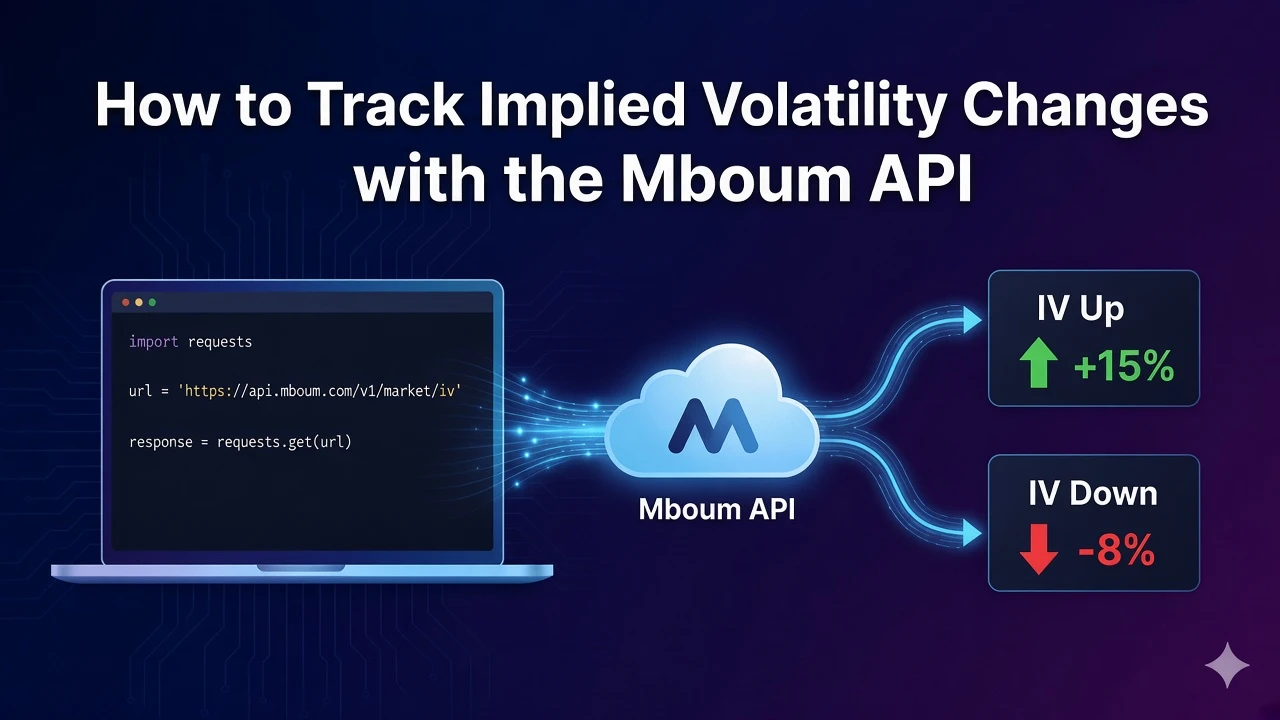
Implied volatility can reprice faster than the underlying. The Mboum IV change endpoint lists contracts with the largest volatility percent moves, filtered up or down, so you can surface spikes and crush candidates without scanning every chain yourself.
This post covers GET /v1/markets/options/iv-change with an example of type=STOCKS&direction=UP&page=1. Parse the string percent-change field before you sort, and stick to the public parameters documented for this route.
👉 To access this endpoint, you must obtain an API key: https://mboum.com/pages/api
The IV Change Endpoint
IV change lives under GET /v1/markets/options/iv-change. Pass a required type and a direction of UP or DOWN. Optionally send price_min and page (example 1).
Documentation:
https://docs.mboum.com/#stocks-options-GETapi-v1-markets-options-iv-change
Request
GET https://api.mboum.com/v1/markets/options/iv-change?type=STOCKS&direction=UP&page=1
Authorization: Bearer YOUR_API_KEY
Parameters
type— required:STOCKS,ETFS, orINDICESdirection—UPorDOWNprice_min— optionalpage— optional integer (example1)
Example request: type=STOCKS&direction=UP&page=1
Choosing the Request
For this walkthrough, send type=STOCKS, direction=UP, and page=1. That combination returns the published IV-change row shape so you can confirm meta paging fields and print strike, expiration, and volatility percent change for the first contracts.
Keep direction fixed on UP until the first page parses cleanly. Flip to DOWN when you want crush-side movers, and add price_min only after you trust the base row keys. Change page after meta.count, meta.total, and meta.page look right.
Stay on the public parameter list for this endpoint. Do not send undocumented date or minimum-change filters in this example.
Sample Response
Shortened example of meta plus one body row. Values illustrate shape only. volatilityPercentChange is a string such as +94.44%:
{
  "meta": {
    "count": 1,
    "total": 100,
    "page": 1
  },
  "body": [
    {
      "symbol": "AAPL250117C00190000",
      "baseSymbol": "AAPL",
      "baseLastPrice": 190.0,
      "baseSymbolType": 1,
      "symbolType": "Call",
      "strikePrice": 190.0,
      "expirationDate": "2025-01-17",
      "daysToExpiration": 30,
      "bidPrice": 4.5,
      "askPrice": 4.7,
      "lastPrice": 4.6,
      "volume": 1200,
      "openInterest": 8500,
      "delta": 0.52,
      "volatilityPercentChange": "+94.44%",
      "volatility": 28.5,
      "tradeTime": "15:59"
    }
  ]
}
Python Example
import requests

url = "https://api.mboum.com/v1/markets/options/iv-change"
headers = {"Authorization": "Bearer YOUR_API_KEY"}
params = {"type": "STOCKS", "direction": "UP", "page": 1}

response = requests.get(url, headers=headers, params=params)
response.raise_for_status()
payload = response.json()
print(payload.get("meta", {}))
for row in payload.get("body", [])[:5]:
    change = str(row.get("volatilityPercentChange", "")).replace("%", "").replace("+", "")
    print(row.get("baseSymbol"), row.get("symbolType"), row.get("strikePrice"), change)
Understanding the Response
meta includes count, total, and page. Each body row uses these keys only:
symbol,baseSymbol,baseLastPrice,baseSymbolType,symbolTypestrikePrice,expirationDate,daysToExpirationbidPrice,askPrice,lastPricevolume,openInterest,deltavolatilityPercentChange,volatility,tradeTime
Join on baseSymbol when you need underlying context. Treat volatilityPercentChange as a display string until you strip the percent sign and leading plus for numeric sorts.
Walkthrough
- Call IV change with
type=STOCKS,direction=UP, andpage=1. - Confirm
meta.count,meta.total, andmeta.page. - Print
baseSymbol,symbolType,strikePrice, and a parsedvolatilityPercentChangefor the first few rows.
Watch for This
volatilityPercentChange is a string such as +94.44%. Parse it before you sort. Do not document or send start_date, end_date, or min_ivChange; they are not in the public parameter list for this endpoint.
Stay on stocks with direction=UP until meta paging and the first contracts look correct. When you need crush-side movers or another asset class later, change only direction or type on the same endpoint and parse the percent-change string the same way.
👉 Get your API key and start tracking IV changes: https://mboum.com/pages/api