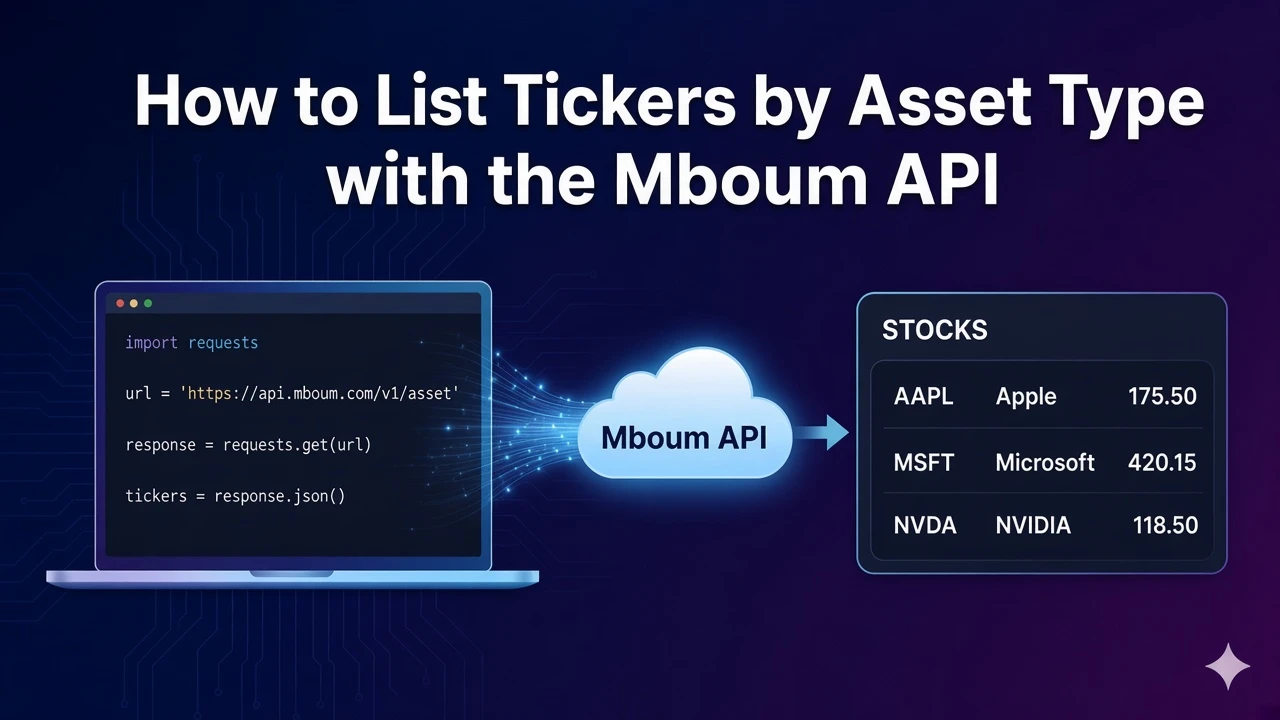
Building a universe picker starts with a clean list of symbols by asset class. The Mboum tickers endpoint pages through stocks, ETFs, mutual funds, futures, or indexes so you can seed search indexes and symbol tables without scraping exchange directories yourself.
This post covers GET /v2/markets/tickers with an example of type=STOCKS&page=1. Use meta.headers for the columns of the type you requested, and do not assume every asset class returns the same keys as stocks.
👉 To access this endpoint, you must obtain an API key: https://mboum.com/pages/api
The Tickers Endpoint
Tickers live under GET /v2/markets/tickers. Pass a required type. Optionally send page as an integer, for example 1.
Documentation:
https://docs.mboum.com/#stocks-options-GETapi-v2-markets-tickers
Request
GET https://api.mboum.com/v2/markets/tickers?type=STOCKS&page=1
Authorization: Bearer YOUR_API_KEY
Parameters
type— required:STOCKS,ETF,MUTUALFUNDS,FUTURES, orINDEXpage— optional integer (example1)
Example request: type=STOCKS&page=1
Choosing the Request
For this walkthrough, send type=STOCKS and page=1. That combination returns the published stocks row shape so you can confirm meta.totalrecords, meta.headers, and the first body rows before you page further.
Keep type fixed until the first page parses cleanly. Change page only after you trust the headers and row keys for that asset class. When you switch to ETF, futures, or another type later, re-read meta.headers instead of reusing the stocks column set.
Stay on the tickers list endpoint for universe building. Do not invent columns from a different type while you are still validating the stocks sample.
Sample Response
Shortened example of meta plus one stocks body row. Values illustrate shape only:
{
  "meta": {
    "totalrecords": 8000,
    "headers": {
      "symbol": "Symbol",
      "name": "Name",
      "lastsale": "Last Sale",
      "netchange": "Net Change",
      "pctchange": "% Change",
      "marketCap": "Market Cap"
    }
  },
  "body": [
    {
      "symbol": "AAPL",
      "name": "Apple Inc. Common Stock",
      "lastsale": "$190.00",
      "netchange": "1.25",
      "pctchange": "0.66%",
      "marketCap": "3000000000000"
    }
  ]
}
Python Example
import requests

url = "https://api.mboum.com/v2/markets/tickers"
headers = {"Authorization": "Bearer YOUR_API_KEY"}
params = {"type": "STOCKS", "page": 1}

response = requests.get(url, headers=headers, params=params)
response.raise_for_status()
payload = response.json()
meta = payload.get("meta", {})
print(meta.get("totalrecords"), meta.get("headers"))
for row in payload.get("body", [])[:5]:
    print(row.get("symbol"), row.get("name"), row.get("lastsale"), row.get("marketCap"))
Understanding the Response
meta.totalrecords reports how many rows are available for the selected type. meta.headers describes the columns for that type. For the STOCKS sample, headers and row keys are:
symbolnamelastsalenetchangepctchangemarketCap
Use those header keys when you render a stocks page. Other asset types may return a different header map; always bind your table to the meta.headers object from the response you received.
Walkthrough
- Call tickers with
type=STOCKSandpage=1. - Print
meta.totalrecordsandmeta.headersto lock the column labels for stocks. - Print
symbol,name,lastsale, andmarketCapfor the first few body rows before you page onward.
Watch for This
meta.headers describes the columns for the type you requested. Use those header keys for that response. Do not assume an ETF or futures page uses marketCap the same way the stocks sample does.
Stay on type=STOCKS until total records, headers, and the first page of rows look correct. When you need another asset class later, change only type on the same endpoint and rebuild the table from that response's meta.headers.
👉 Get your API key and start listing tickers: https://mboum.com/pages/api