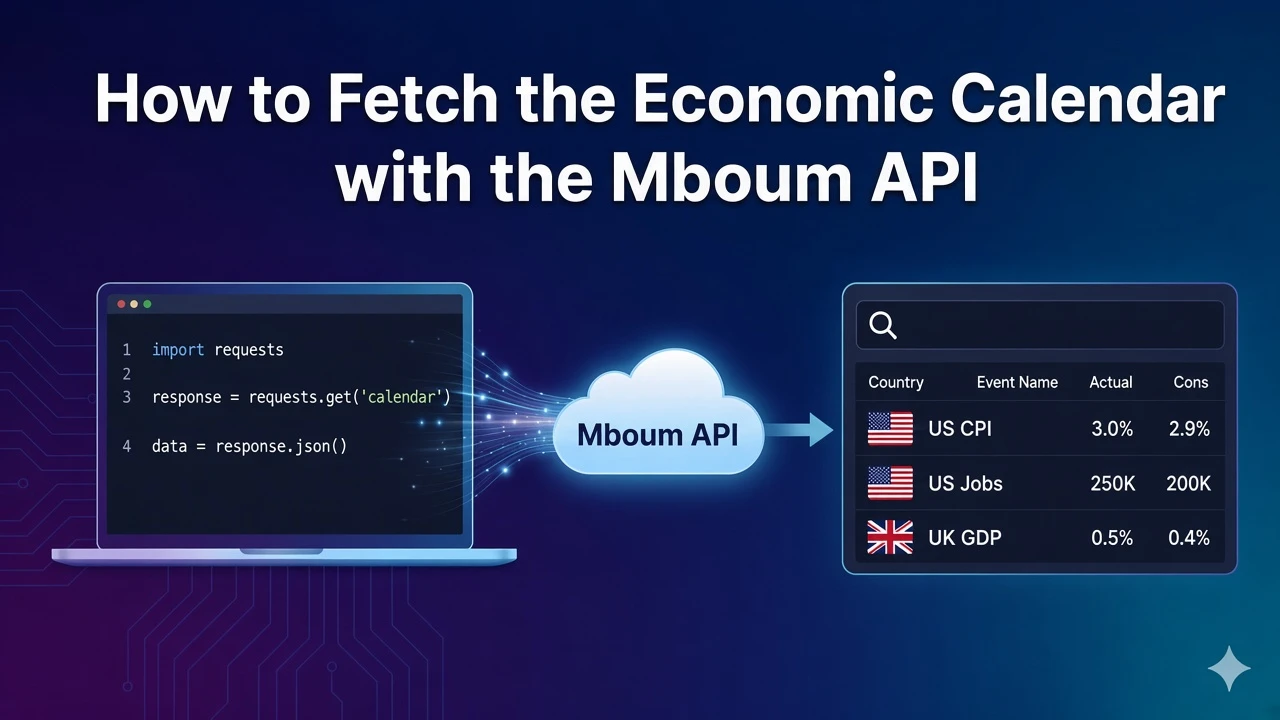
Macro calendars matter for overnight risk and event-driven strategies. Actual, consensus, and previous values help you see whether a release beat or missed expectations without scraping half a dozen public calendars by hand each morning.
The Mboum economic calendar returns global releases for a date you choose, so you can build morning briefs or gate trading logic around scheduled events from one request instead of stitching together country-by-country sources.
👉 To access this endpoint, you must obtain an API key: https://mboum.com/pages/api
The Economic Calendar Endpoint
Economic releases live under GET /v1/markets/calendar/economic_events. Call it when you need a day of macro events with the printed actual, consensus, and previous columns traders expect on a calendar board.
Documentation:
https://docs.mboum.com/#stocks-options-GETapi-v1-markets-calendar-economic-events
Choosing the Request
date is optional and uses YYYY-MM-DD. When you pass a date, the response is scoped to that day. Omit it when the default calendar day from the API is enough for a morning board. A documented example is date=2023-11-30.
GET https://api.mboum.com/v1/markets/calendar/economic_events?date=2023-11-30
Authorization: Bearer YOUR_API_KEY
Sample Response
meta.date echoes the calendar day. body is a list of event rows with the fields below:
{
  "meta": { "date": "2023-11-30" },
  "body": [
    {
      "gmt": "13:30",
      "country": "United States",
      "eventName": "GDP Growth Rate QoQ Adv",
      "actual": "4.9%",
      "consensus": "4.8%",
      "previous": "4.9%",
      "description": "The GDP growth rate measures...<br/>More detail follows."
    }
  ]
}
Python Example
import requests

url = "https://api.mboum.com/v1/markets/calendar/economic_events"
headers = {"Authorization": "Bearer YOUR_API_KEY"}
params = {"date": "2023-11-30"}

response = requests.get(url, headers=headers, params=params)
response.raise_for_status()
payload = response.json()
print(payload.get("meta"))
for event in payload.get("body", [])[:5]:
    print(event["gmt"], event["country"], event["eventName"], event["actual"], event["consensus"], event["previous"])
Understanding the Response
Each row in body includes only these documented keys:
gmt— release timecountryeventNameactual,consensus,previousdescription— longer text that may include encoded HTML
Build calendar rows from eventName, actual, consensus, and previous. Keep description for detail views, not for numeric compares against consensus. Country and gmt help you group and order the board.
Walkthrough
- Call
/v1/markets/calendar/economic_eventswith an optionaldatesuch as2023-11-30. - Confirm
meta.date, then iterate thebodylist for each release on that day. - Render country, event name, and the actual / consensus / previous trio for the board; open description only when a user needs the long text.
Watch for This
description can be long and can contain encoded HTML such as <br/>. Use eventName, actual, consensus, and previous for a calendar row, and do not treat description as a number when you score beats or misses.
👉 Get your API key and fetch the economic calendar: https://mboum.com/pages/api