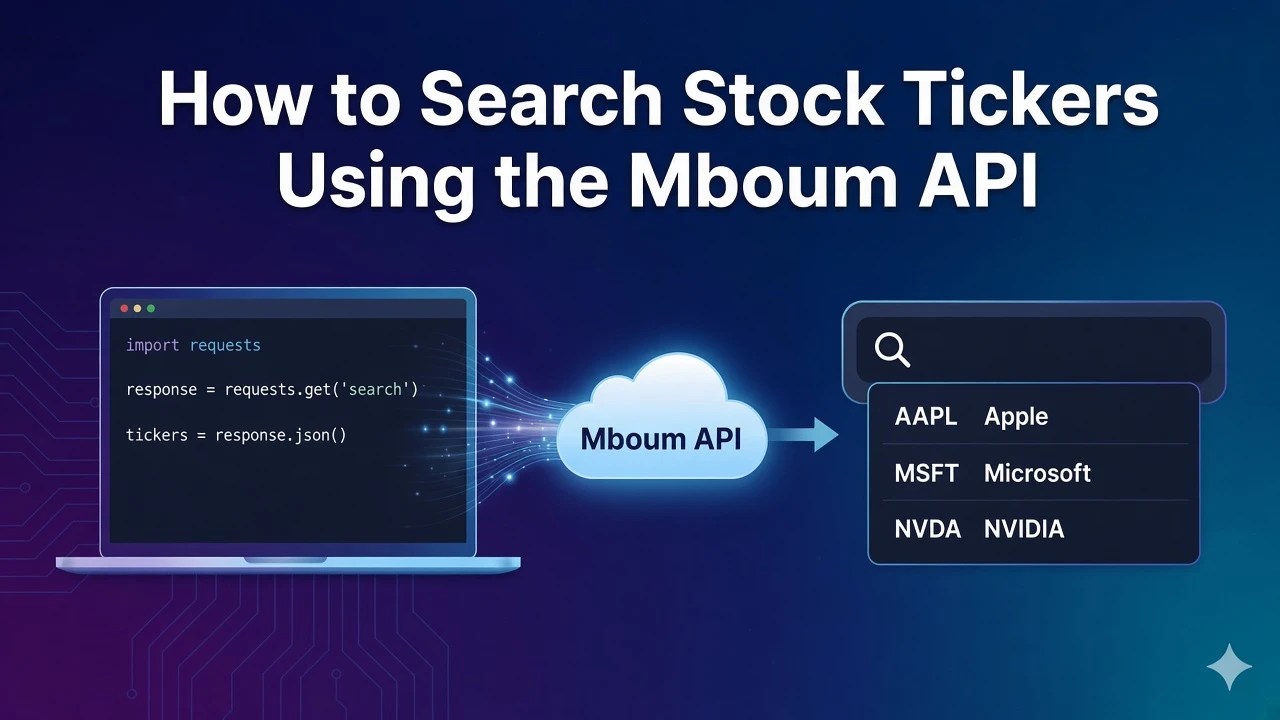
Ticker search helps you resolve company names and partial symbols into exchange identifiers so autocomplete, watchlists, and research tools do not guess the wrong listing. After one call with the required search parameter, you can read meta.symbol, walk the body list, and match on symbol plus exchange and type displays before you pick a row.
This tutorial covers GET /v1/markets/search only. A v2 search endpoint also exists, but this guide stays on v1. The parameter name is search, not ticker. The example below uses search=AA.
👉 To access this endpoint, you must obtain an API key: https://mboum.com/pages/api
The Search Endpoint
Ticker lookup lives under GET /v1/markets/search.
Documentation:
https://docs.mboum.com/#stocks-options-GETapi-v1-markets-search
Request
GET https://api.mboum.com/v1/markets/search?search=AA
Authorization: Bearer YOUR_API_KEY
Parameters
search— required string. ExampleAA
Choosing the Request
For this walkthrough, send search=AA. That short term is enough to show how several matches can appear in one response.
Do not rename the parameter to ticker, and do not switch this tutorial to the v2 search path. Stay on v1 so the meta echo and body row keys below match what you inspect.
Sample Response
The shortened sample below shows meta.symbol echoing the term you sent, plus two body rows. Each row uses only symbol, name, exch, type, exchDisp, and typeDisp:
{
  "meta": {
    "symbol": "AA"
  },
  "body": [
    {
      "symbol": "AA",
      "name": "Alcoa Corporation",
      "exch": "NYQ",
      "type": "S",
      "exchDisp": "NYSE",
      "typeDisp": "Equity"
    },
    {
      "symbol": "AAL",
      "name": "American Airlines Group Inc.",
      "exch": "NMS",
      "type": "S",
      "exchDisp": "NASDAQ",
      "typeDisp": "Equity"
    }
  ]
}
Python Example
import requests

url = "https://api.mboum.com/v1/markets/search"
headers = {"Authorization": "Bearer YOUR_API_KEY"}
params = {"search": "AA"}

response = requests.get(url, headers=headers, params=params)
response.raise_for_status()
payload = response.json()
print(payload.get("meta", {}))
for item in payload.get("body", []) or []:
    if isinstance(item, dict):
        print(item.get("symbol"), item.get("name"), item.get("exchDisp"), item.get("typeDisp"))
Understanding the Response
meta.symbolechoes the search term you sentbodyis a list of matches- Each row includes
symbol,name,exch,type,exchDisp, andtypeDisp
Use exchDisp and typeDisp when two rows share a similar name or prefix. Those display fields are how you tell listings apart before you call a quote or summary endpoint with the chosen symbol.
Walkthrough
- Call v1 search with the required
searchparameter — notticker, and not the v2 search path. - Confirm
meta.symbolechoes your term, then count how many body rows came back. - Match on
symbolplusexchDispandtypeDispbefore you pick the row your UI will use.
Watch for This
A short term returns several symbols, so match on symbol plus exchDisp and typeDisp before you pick a row. Taking the first match alone can point later quote calls at the wrong listing.
Stay on the v1 search path with the search parameter until you have echoed meta.symbol and chosen a row by symbol, exchange display, and type display. That habit keeps autocomplete and watchlist builders accurate when a short query returns more than one match.
👉 Get your API key and build ticker search: https://mboum.com/pages/api