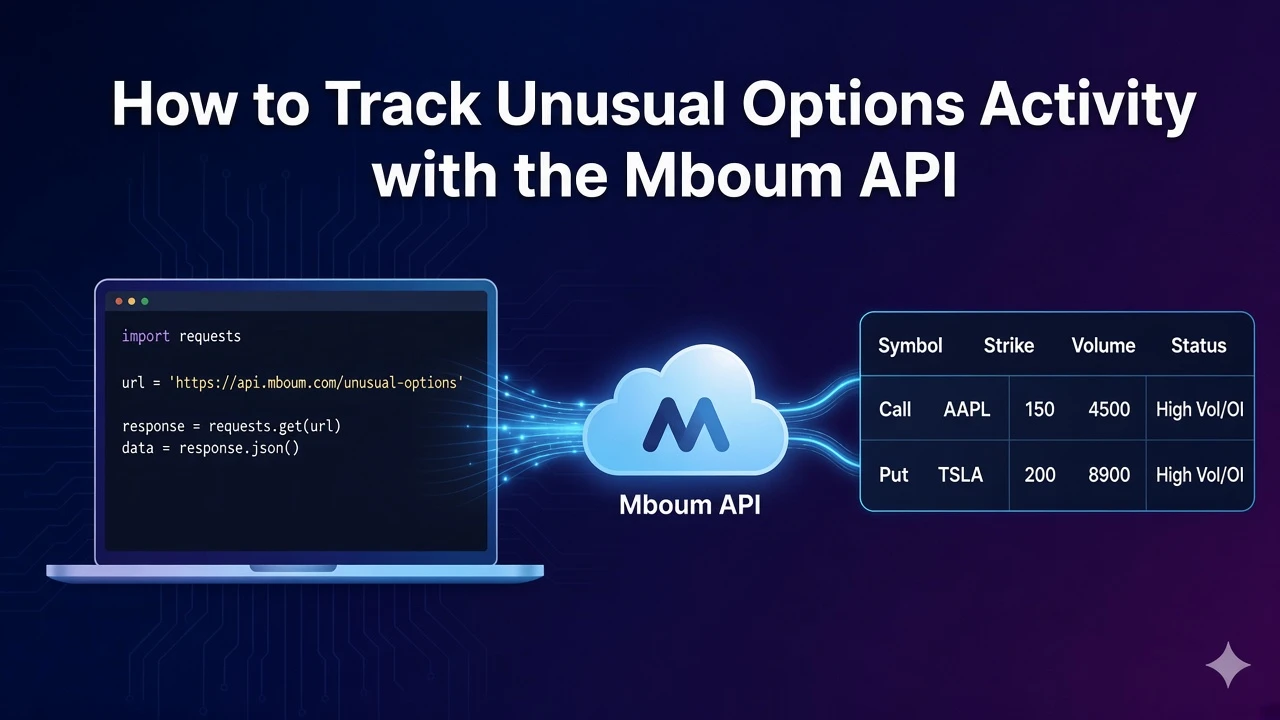
Unusual options activity highlights contracts where volume is large relative to open interest. Scanners and flow dashboards use that signal to surface names worth a closer look without scanning every strike by hand across the whole chain.
The Mboum unusual options activity endpoint returns a paginated list of contracts for stocks, ETFs, or indices, with optional filters for ticker, date, and minimum price so you can focus a watchlist or feed a flow monitor from one request.
👉 To access this endpoint, you must obtain an API key: https://mboum.com/pages/api
The Unusual Options Activity Endpoint
Unusual activity lives under GET /v1/markets/options/unusual-options-activity. Use it when you want elevated volume-to-open-interest contracts rather than a full options chain for one underlying.
Documentation:
https://docs.mboum.com/#stocks-options-GETapi-v1-markets-options-unusual-options-activity
Choosing the Request
Set type to STOCKS, ETFS, or INDICES. Optionally add ticker, date as YYYY-MM-DD, price_min, and page as an integer. A common first call is type=STOCKS&page=1. Stick to those documented parameters only when you filter or page through results.
GET https://api.mboum.com/v1/markets/options/unusual-options-activity?type=STOCKS&page=1
Authorization: Bearer YOUR_API_KEY
Sample Response
Meta includes count, total, and page. Price, volume, and ratio fields in each row arrive as strings in the sample below:
{
  "meta": { "count": 1, "total": 120, "page": 1 },
  "body": [
    {
      "symbol": "AAPL240920C00225000",
      "baseSymbol": "AAPL",
      "baseLastPrice": "227.50",
      "baseSymbolType": "Stock",
      "symbolType": "Call",
      "strikePrice": "225.00",
      "expirationDate": "09/20/24",
      "daysToExpiration": "5",
      "bidPrice": "4.20",
      "midpoint": "4.35",
      "askPrice": "4.50",
      "lastPrice": "4.40",
      "volume": "12,450",
      "openInterest": "3,200",
      "volumeOpenInterestRatio": "3.89",
      "volatility": "28.5",
      "delta": "0.55",
      "tradeTime": "15:42",
      "symbolCode": "OPRA"
    }
  ]
}
Python Example
import requests

url = "https://api.mboum.com/v1/markets/options/unusual-options-activity"
headers = {"Authorization": "Bearer YOUR_API_KEY"}
params = {"type": "STOCKS", "page": 1}

response = requests.get(url, headers=headers, params=params)
response.raise_for_status()
payload = response.json()
print(payload.get("meta"))
for row in payload.get("body", [])[:5]:
    vol = float(str(row["volume"]).replace(",", ""))
    oi = float(str(row["openInterest"]).replace(",", ""))
    print(row["baseSymbol"], row["symbolType"], row["strikePrice"], vol, oi, row["volumeOpenInterestRatio"])
Understanding the Response
Each row in body documents these keys so you can label the underlying and the contract side by side:
symbol,baseSymbol,baseLastPrice,baseSymbolType,symbolTypestrikePrice,expirationDate,daysToExpirationbidPrice,midpoint,askPrice,lastPricevolume,openInterest,volumeOpenInterestRatiovolatility,delta,tradeTime,symbolCode
Use meta.count, meta.total, and meta.page when you page through results for a fuller scan of the unusual list.
Walkthrough
- Request the endpoint with
type=STOCKSandpage=1, then add optional filters if you need a ticker, date, or minimum price. - Inspect
metafor pagination totals, then iteratebodyfor contract rows on that page. - Parse string volume and open interest before you compare them or sort by ratio, then display strike, type, and expiration alongside the cleaned numbers.
Watch for This
volume, openInterest, and the price fields are strings, and volume can contain commas. Parse them before you compare volume with open interest. Do not rely on undocumented parameters when building the request.
👉 Get your API key and track unusual options: https://mboum.com/pages/api