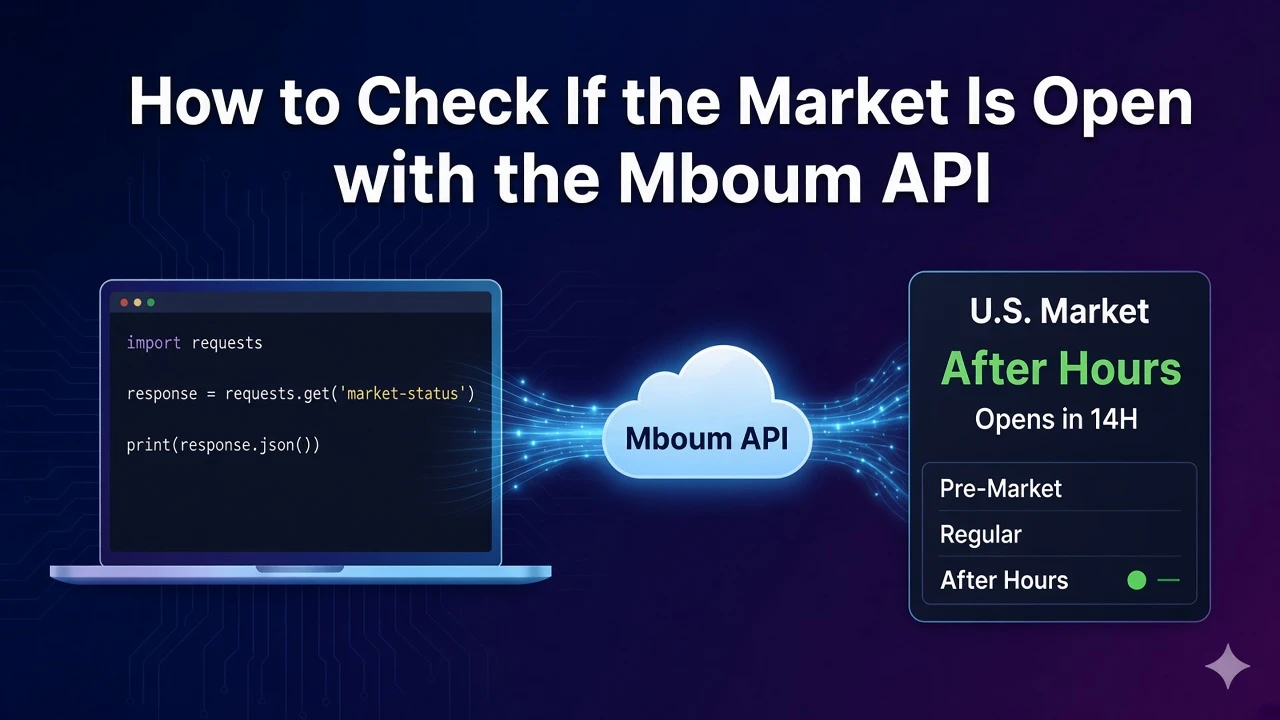
Schedulers and dashboards need to know whether the U.S. session is pre-market, regular hours, or after hours before they pull quotes or fire alerts. Guessing from a wall clock alone misses holidays, early closes, and the difference between a business day and an open regular session.
One Mboum market-info request returns the current session state, countdown timers, and the clock times around the open and close so you can gate the rest of your market jobs from a single source of truth instead of maintaining your own holiday calendar.
👉 To access this endpoint, you must obtain an API key: https://mboum.com/pages/api
The Market Info Endpoint
Market session status lives under GET /v2/markets/market-info. The documented request has no query parameters—call the path with your API key only when you need session state before quotes, options flow, or calendars.
Documentation:
https://docs.mboum.com/#stocks-options-GETapi-v2-markets-market-info
Choosing the Request
There is nothing to configure on the query string. Pair this call with jobs that should pause outside regular hours, show a pre-market or after-hours badge in a dashboard, or schedule against the next trade date instead of assuming every weekday is a full session. Because the path takes no filters, keep the request minimal and read the body fields for decisions.
GET https://api.mboum.com/v2/markets/market-info
Authorization: Bearer YOUR_API_KEY
Sample Response
A shortened body looks like this. Your live payload may include the same keys with different values depending on the session, but these are the documented fields:
{
  "body": {
    "country": "United States",
    "marketIndicator": "CLOSED",
    "uiMarketIndicator": "CLOSED",
    "marketCountDown": "15:42:11",
    "preMarketOpeningTime": "04:00",
    "preMarketClosingTime": "09:30",
    "marketOpeningTime": "09:30",
    "marketClosingTime": "16:00",
    "afterHoursMarketOpeningTime": "16:00",
    "afterHoursMarketClosingTime": "20:00",
    "previousTradeDate": "2024-09-27",
    "nextTradeDate": "2024-09-30",
    "isBusinessDay": true,
    "mrktStatus": "CLOSED",
    "mrktCountDown": "15:42:11"
  }
}
Python Example
import requests

url = "https://api.mboum.com/v2/markets/market-info"
headers = {"Authorization": "Bearer YOUR_API_KEY"}

response = requests.get(url, headers=headers)
response.raise_for_status()
body = response.json().get("body", {})
print(body.get("mrktStatus"), body.get("marketIndicator"), body.get("isBusinessDay"))
print(body.get("mrktCountDown"), body.get("nextTradeDate"))
Understanding the Response
The JSON body describes the U.S. session. Documented keys are:
countrymarketIndicatoranduiMarketIndicator— session labels for logic and displaymarketCountDownandmrktCountDown— countdown strings toward the next session changepreMarketOpeningTime,preMarketClosingTimemarketOpeningTime,marketClosingTimeafterHoursMarketOpeningTime,afterHoursMarketClosingTimepreviousTradeDate,nextTradeDateisBusinessDay— whether the date is a business daymrktStatus— market status string used alongside the indicators
Use the opening and closing time fields when you need to label the session windows, and the trade-date fields when you need the prior or next session calendar day.
Walkthrough
- Request
/v2/markets/market-infowith your Bearer token and no query parameters. - Read
mrktStatusandmarketIndicatortogether to decide whether you are in pre-market, regular hours, after hours, or closed. - Use
isBusinessDay,nextTradeDate, and the countdown fields to schedule the next run instead of assuming every weekday is a full session.
Watch for This
There is no single boolean named open. Read mrktStatus and marketIndicator for session state. isBusinessDay only tells you whether the date is a business day—it does not by itself mean the regular session is open right now.
👉 Get your API key and check the session: https://mboum.com/pages/api